Generator Remote Monitoring: Alerts and Their Limits
Generator remote monitoring can report status and selected alerts, but it does not repair equipment or guarantee that someone will respond.
Quick answer
Generator remote monitoring can report status and selected alerts, but it does not repair equipment or guarantee that someone will respond. Its value depends on communication, correct notification settings, and a clear response plan. For a cabin or second property, decide who receives each alert and what they should do next.
Know what is being monitored
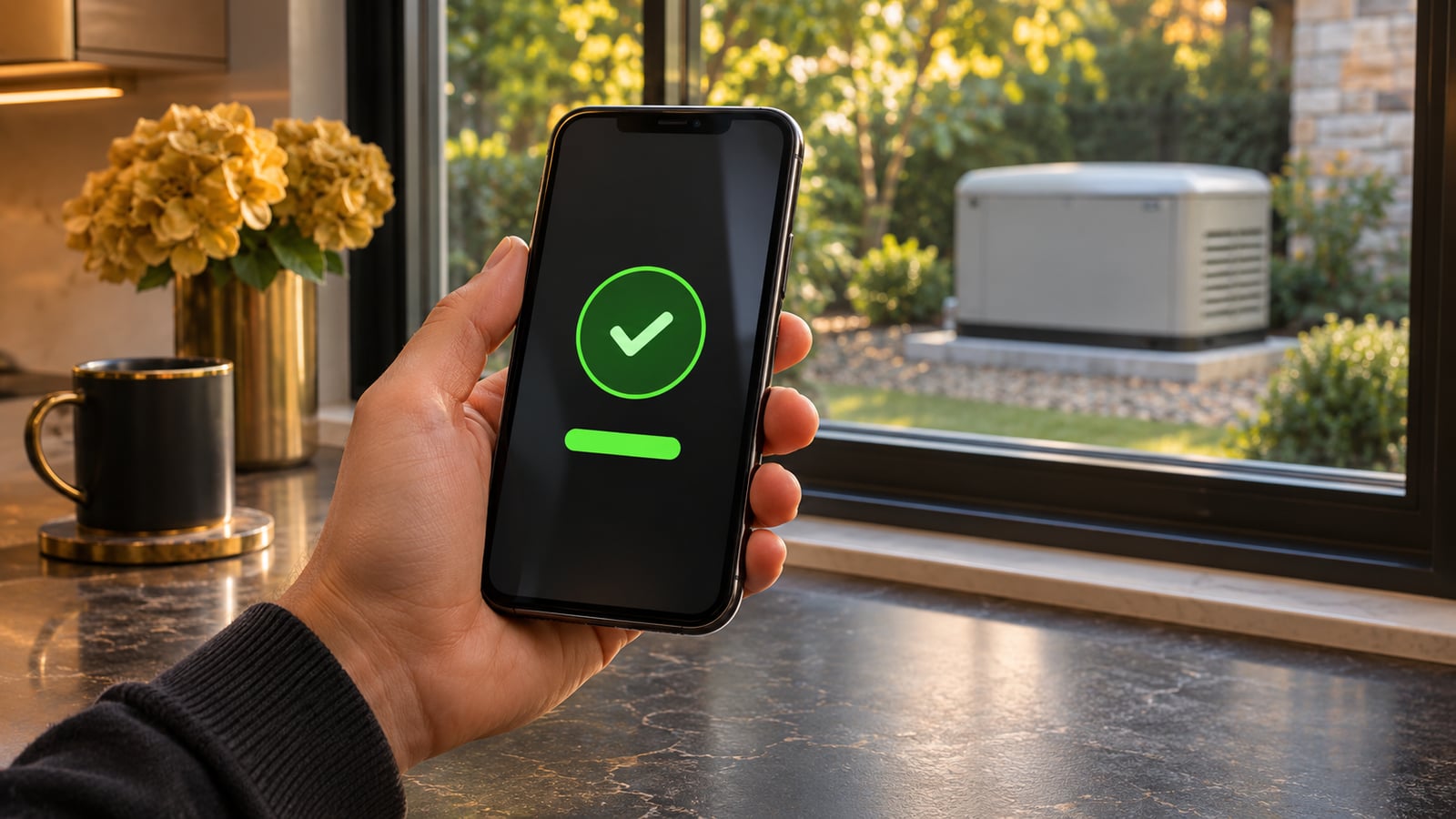
A monitoring service may show generator status, exercise information, maintenance reminders, or alarms, depending on the product and installation. Confirm the exact features, connection method, subscription terms, and compatibility. Do not assume every generator or controller supports the same functions.
A communication failure and a generator failure are different events. If a property loses internet service, the app may stop receiving updates even when the generator is operating. Conversely, a recent “ready” status may be stale if the connection has been lost. Look at timestamps as well as colors.
Build an alert-to-action plan
- Name the person responsible for reviewing alerts.
- Identify a backup contact when the primary person is unavailable.
- Keep the generator service contact and property access instructions current.
- Decide which alarms require a service request and which reminders require scheduling.
- Document how loss of communication will be handled.
Keep access codes and other sensitive property details out of public messages. Share them only through the agreed service process when needed.
Separate monitoring from a service agreement
A subscription can provide data without including diagnostics, dispatch, parts, or emergency response. If a provider offers monitored service, ask exactly what is included and when. Avoid treating a dashboard as an insurance policy against outages or property damage.
For a seasonal property, a trusted local contact may still be useful. That person should not be expected to open equipment or perform hazardous repairs. Their role might be confirming site access, reporting an obvious condition from a safe distance, or coordinating a professional visit.
Example: an alert while you are away
Suppose an app reports a missed exercise at an unoccupied cabin. The useful next step is to preserve the message and timestamp, check whether communication is current, and contact the responsible service provider. Repeated remote commands or clearing alarms can complicate diagnosis. This is a planning example rather than a report of a local customer event.
Explain whether the building is heated, has water systems at risk, or contains equipment that needs continuous power. Those priorities help organize the response, but they do not create a guaranteed arrival time.
Review the arrangement periodically
After changing phones, internet providers, ownership, or service companies, verify notifications and contacts. Keep the generator's physical service records as well as app history. Christopher Power Systems can discuss generator service and the role monitoring may play in the particular installation; confirm supported products and service terms directly.
Knowing when a remote property needs attention?
Every property is different. Get guidance specific to yours.
Frequently Asked Questions
Straight answers to what homeowners and businesses ask us most.
No. Alerts and status information do not replace required inspection and service.
That depends on the communication method and its dependencies. Ask about the actual installation and any cellular or network requirements.
Only if an explicit service arrangement provides for that. Confirm the response process rather than assuming it.
Sun or storms, we have you covered
Get a free, no-pressure power assessment tailored to your property and priorities.