
Generator Red and Yellow Lights: What to Record Before Service
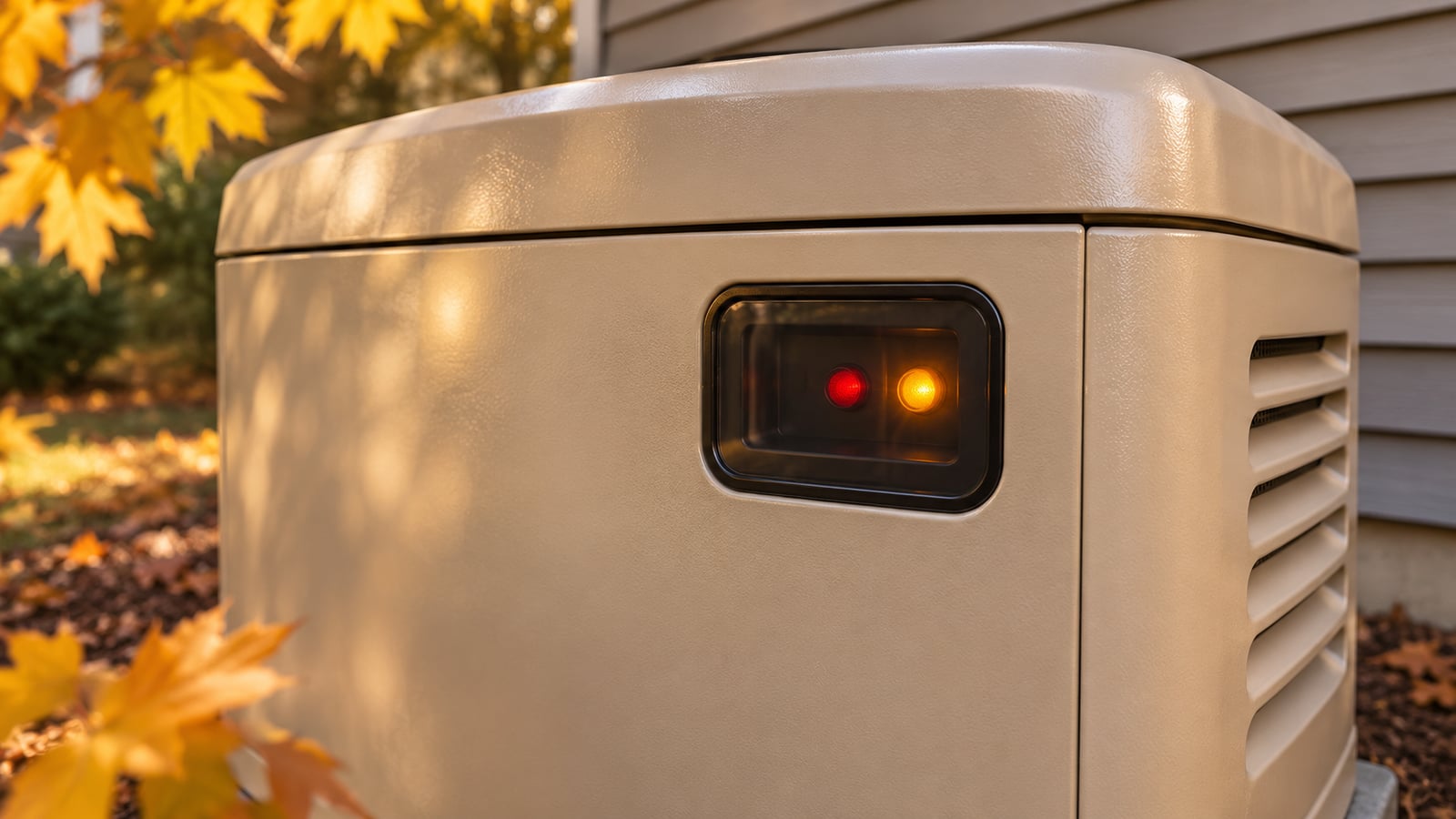
A red or yellow light on a standby generator is a reason to read the actual message, not a diagnosis by itself.
Quick answer
A red or yellow light on a standby generator is a reason to read the actual message, not a diagnosis by itself. On many Generac home standby systems, red indicates an alarm and yellow indicates a maintenance warning. Meanings vary by controller and model. Record the message and arrange appropriate service before assuming the generator is ready for an outage.
Read the message behind the color
A light is designed to attract attention from a distance. The display or monitoring app provides the information a service technician needs. Note the exact words, any numerical code, the time, and whether utility power was available. A photograph of an accessible display is useful; opening electrical compartments is not.
A reminder about scheduled service and an alarm that prevents operation have different consequences. Neither should be handled by repeatedly clearing messages until the light disappears. Clearing an indication can hide useful evidence without correcting the cause. Use the owner's manual for your exact model when interpreting an operator-facing display.
Separate three observations
- Did the generator fail to start, stop after starting, or complete its normal exercise? These describe different events even if the same light is visible afterward.
- Is the home currently on utility power or experiencing an outage? A warning found on a quiet afternoon requires different immediate planning than lost backup power during freezing weather.
- Has anything changed recently: maintenance, a battery replacement, fuel delivery, an electrical project, or a monitoring connection? Provide the sequence without assuming the last change caused the problem.
A useful service request
For example, “red light, code photographed, engine stopped shortly after starting during an outage” is more actionable than “generator broken.” This is an illustrative reporting example, not a customer story. Add the model and serial number if accessible without removing protective covers, the last service date, and your property location.
If your household depends on power for heat, water, or essential equipment, explain those needs when arranging service. Do not treat an app notification as a guaranteed response arrangement. Confirm who receives alerts and who will act on them.
What to avoid
Do not bypass an alarm, disconnect a safety device, open a transfer switch, or keep commanding restarts. Gas odor, smoke, sparking, a carbon-monoxide alarm, or unsafe heat requires moving away and contacting the appropriate emergency service. A routine maintenance appointment is not the response to an active hazard.
Christopher Power Systems offers generator diagnostics and maintenance. A service visit should address the underlying condition, document the work, and establish what readiness checks are appropriate afterward. Ask which message was corrected and whether any maintenance remains outstanding.
A warning light without a clear diagnosis?
Every property is different. Get guidance specific to yours.
Frequently Asked Questions
Straight answers to what homeowners and businesses ask us most.
Not necessarily. Many yellow indications are maintenance reminders, but the message and model manual determine the next step. Do not assume backup readiness from color alone.
Follow only the owner-authorized procedure in the exact manual after the cause has been addressed. If you do not understand the alarm or it returns, request diagnosis rather than repeated resets.
It is one status signal. It does not replace inspection, maintenance, or verification that the intended circuits receive backup power.
Sun or storms, we have you covered
Get a free, no-pressure power assessment tailored to your property and priorities.